• Latest
  • Trending
  • All
  • News
  • Business
  • Politics
  • Science
  • World
  • Lifestyle
  • Tech
Google Clock 7.14

Material 3 Toggle & Weather Tweaks in Google Clock 7.14

September 17, 2025
Material 3 Expressive Redesign

Google Brings Material 3 Expressive Redesign to Wear OS Apps

October 4, 2025
Digital Gift Cards

Google Play Store Adds Digital Gift Cards for Instant Sharing

October 4, 2025
Google Wallet Material 3 redesign

Google Wallet expands Material 3 redesign rollout

October 3, 2025
Full-screen account menu

Full-screen account menu arrive in Google apps for a unified look

October 3, 2025
YouTube Music updated icons

YouTube Music refreshes its look with updated icons

October 2, 2025
FAB new location button

Google Maps on Android gets FAB new location button

October 2, 2025
Google Home Speaker

The new Google Home Speaker will debut in 2026

October 2, 2025
Google Drive AI ransomware detection

Google Drive desktop gets AI ransomware detection

October 1, 2025
High Blood Pressure Screening

Google Explores Pixel Watch High Blood Pressure Screening

September 30, 2025
Google Drive Super-Fast AI Scanner

Google Drive Rolls Out Tests for Super-Fast AI Scanner

September 30, 2025
‘Ask Home’

Google Home App Redesign Brings ‘Ask Home’ to iPhone

September 29, 2025
Material 3 Expressive Redesign

Where Google’s Material 3 Expressive Redesign Is Arriving

September 29, 2025
FuchsiaWire
  • Fuchsia OS
  • Android
    • Samsung
    • Android 13
    • Android 14
    • Auto
    • OnePlus
    • Oppo
    • Wear OS
  • Nest
    • Nest Audio
    • Nest Cam
    • Nest Doorbell
    • Nest Hub
    • Nest Hub Max
    • Nest Mini
    • Nest Thermostats
  • Chrome
    • Google Chrome
    • ChromeOS
  • TV
    • Google TV
    • Android TV
    • Chromecast
  • Workspace
    • Gmail
    • Google Calender
    • Google Chat
    • Google Docs
    • Google Drive
    • Google Keep
    • Google Meet
  • Pixel
    • Pixel 7
    • Pixel 7 Pro
    • Pixel 8 pro
    • Pixel Buds Pro
    • Pixel watch
    • Pixel watch 2
  • YouTube
    • YouTube
    • YouTube Music
    • YouTube TV
  • Reviews
  • Exclusives
No Result
View All Result
FuchsiaWire
No Result
View All Result
Home Blog

Material 3 Toggle & Weather Tweaks in Google Clock 7.14

by Dan Burrows
September 17, 2025
in Blog
0
Google Clock 7.14
493
SHARES
1.4k
VIEWS
Share on FacebookShare on Twitter

Google Clock 7.14 is now rolling out with a major design refresh and, more importantly, improved Pixel weather support. The Google Clock 7.14 update is available through the Play Store and brings the app more in line with the evolving Google Material Design language.

To Pixel users, it also develops the dependability and display of weather data in the alarm and bedtime communities. This generates an improved and harmonized experience, in general. These are further optimizations that bring Google closer to the goal of consistency.


Table of Contents

Toggle
  • The Process of Updating the Google Clock Application
  • Material 3 Expressive Touches
  • Increased Pixel Weather Integration
  • The Campaign to be More Fully Redesigned
  • Conclusion

The Process of Updating the Google Clock Application

Google Clock 7.14

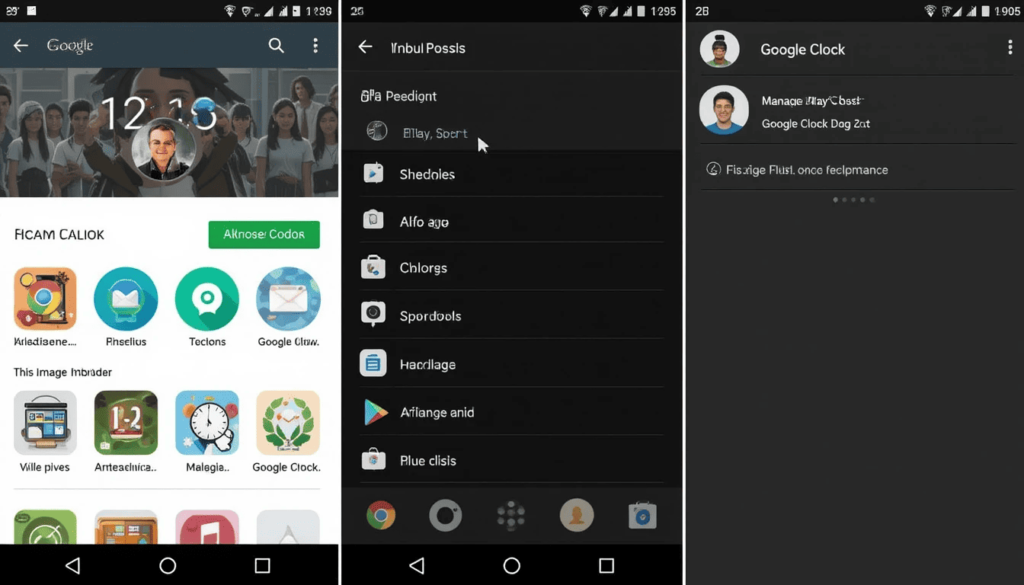
To see whether it can be used on your device:

Go to the Google Play Store.

Tap on your portrait picture in the upper right side.

Open the Manage apps & devices.

Check if it has Google Clock.


Material 3 Expressive Touches
Google Clock 7.14

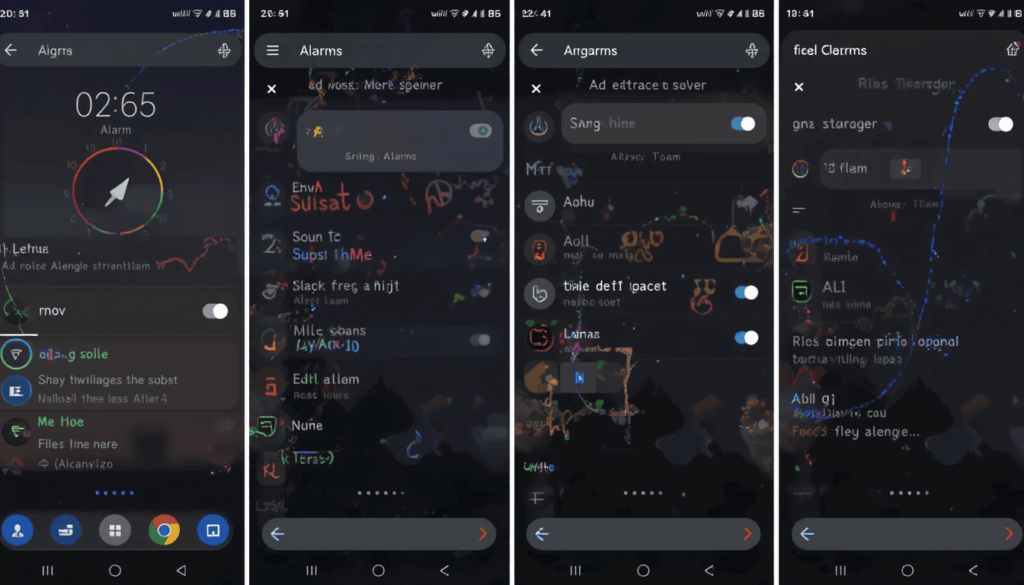
Examples of this on/off toggle can be seen in the Alarm Tab and Settings. The new Material You 3 Weather Toggle design appears slightly taller and slimmer compared to its predecessors.

The off-switch has its outlines even bolder now. It makes the app more in line with the new design language of Google called Material You. These components were introduced several years ago, but they have gradually been adopted in first-party applications created by Google.

Other users can find stronger text typography at times on the Alarms screen. This also adds to the better readability rate and a slightly more emphasized visual hierarchy.


Increased Pixel Weather Integration

Users of Pixel get a weather display elegance through Google Clock 7.14. The icons of weather conditions in the (world) Clock tab have been changed slightly but considerably.

Rather than being stylized in their traditional colors (e.g, a yellow sun), they are now monochromatic (in gray). This makes the aesthetic less distracting and muted, trying to make better use of the overall design.

This shift coincides with the new icon style of weather conditions. It should be consistent with the At a Glance widget in the revamp of the next Android 16 QPR1. With this update, the Timer Starter widget that was added previously is still a Pixel-only feature.


The Campaign to be More Fully Redesigned

Past leaks have revealed greater redesigns. It includes the presence of a floating action button (FAB) on the Alarm tab dropdown.

It seems that this update may be only the first step to some potentially significant design changes in future editions of the Google Clock app. Google keeps optimizing its Material You design language in all its Android-based devices. 

Google will still bring more visual and functional changes to Material 3 Expressive. Although on the Android side, so far, it seems future Android releases will pick up some of these changes.


Conclusion

New toggles, better clarity of the text, and weather integration are evidence that Google valued consistency, clarity, and polish in visual design. 

With Android still in the process of evolving, such considerate refinements can only be deemed. As the stepping stones towards a more unified, more modern user experience, applicable to all Google applications.

Share197Tweet123
Dan Burrows

Dan Burrows

Dan Burrows is a tech aficionado on a mission to decode the complexities of the digital age. Armed with a curiosity for cutting-edge technology and a talent for storytelling, Dan's articles captivate readers and shed light on the transformative power of innovation. From exploring AI advancements to dissecting cybersecurity challenges, Dan's writing strikes the perfect balance between depth and accessibility, making him a go-to source for tech insights.

  • Trending
  • Comments
  • Latest
One UI 8.5

Samsung Phones See Large Upgrades with One UI 8.5

September 27, 2025
Fuchsia Version 16 Rolling Out to Nest Hub Devices

Fuchsia Version 16 Rolling Out to Nest Hub Devices

August 28, 2025
What June 2025 Brings to Google System Update

Android’s March 2025 Google System Updates

August 13, 2025
Material 3 Expressive Redesign

Google Brings Material 3 Expressive Redesign to Wear OS Apps

5
Samsung's Now Bar Might Actually Be Useful in One UI 8

Dеlеtе Unwantеd Googlе Account on Your Mobilе

2
Google Pixel

The­ Cutting-Edge Feature­s Introduced In The Latest Google­ Pixel

1
Material 3 Expressive Redesign

Google Brings Material 3 Expressive Redesign to Wear OS Apps

October 4, 2025
Digital Gift Cards

Google Play Store Adds Digital Gift Cards for Instant Sharing

October 4, 2025
Google Wallet Material 3 redesign

Google Wallet expands Material 3 redesign rollout

October 3, 2025
FuchsiaWire

Copyright © 2015 FuchsiaWire.

FuchsiaWire

  • About
  • Privacy & Policy
  • Contact
  • Privacy Policy
  • Disclaimer

Follow Us

No Result
View All Result
  • Fuchsia OS
  • Android
    • Samsung
    • Android 13
    • Android 14
    • Auto
    • OnePlus
    • Oppo
    • Wear OS
  • Nest
    • Nest Audio
    • Nest Cam
    • Nest Doorbell
    • Nest Hub
    • Nest Hub Max
    • Nest Mini
    • Nest Thermostats
  • Chrome
    • Google Chrome
    • ChromeOS
  • TV
    • Google TV
    • Android TV
    • Chromecast
  • Workspace
    • Gmail
    • Google Calender
    • Google Chat
    • Google Docs
    • Google Drive
    • Google Keep
    • Google Meet
  • Pixel
    • Pixel 7
    • Pixel 7 Pro
    • Pixel 8 pro
    • Pixel Buds Pro
    • Pixel watch
    • Pixel watch 2
  • YouTube
    • YouTube
    • YouTube Music
    • YouTube TV
  • Reviews
  • Exclusives

Copyright © 2015 FuchsiaWire.