• Latest
  • Trending
  • All
  • News
  • Business
  • Politics
  • Science
  • World
  • Lifestyle
  • Tech
A Guidе to Android 15 Eastеr Egg

How to Enable the Adaptive Vibration Feature in Android 15

October 17, 2024
Material 3 Expressive Redesign

Google Brings Material 3 Expressive Redesign to Wear OS Apps

October 4, 2025
Digital Gift Cards

Google Play Store Adds Digital Gift Cards for Instant Sharing

October 4, 2025
Google Wallet Material 3 redesign

Google Wallet expands Material 3 redesign rollout

October 3, 2025
Full-screen account menu

Full-screen account menu arrive in Google apps for a unified look

October 3, 2025
YouTube Music updated icons

YouTube Music refreshes its look with updated icons

October 2, 2025
FAB new location button

Google Maps on Android gets FAB new location button

October 2, 2025
Google Home Speaker

The new Google Home Speaker will debut in 2026

October 2, 2025
Google Drive AI ransomware detection

Google Drive desktop gets AI ransomware detection

October 1, 2025
High Blood Pressure Screening

Google Explores Pixel Watch High Blood Pressure Screening

September 30, 2025
Google Drive Super-Fast AI Scanner

Google Drive Rolls Out Tests for Super-Fast AI Scanner

September 30, 2025
‘Ask Home’

Google Home App Redesign Brings ‘Ask Home’ to iPhone

September 29, 2025
Material 3 Expressive Redesign

Where Google’s Material 3 Expressive Redesign Is Arriving

September 29, 2025
FuchsiaWire
  • Fuchsia OS
  • Android
    • Samsung
    • Android 13
    • Android 14
    • Auto
    • OnePlus
    • Oppo
    • Wear OS
  • Nest
    • Nest Audio
    • Nest Cam
    • Nest Doorbell
    • Nest Hub
    • Nest Hub Max
    • Nest Mini
    • Nest Thermostats
  • Chrome
    • Google Chrome
    • ChromeOS
  • TV
    • Google TV
    • Android TV
    • Chromecast
  • Workspace
    • Gmail
    • Google Calender
    • Google Chat
    • Google Docs
    • Google Drive
    • Google Keep
    • Google Meet
  • Pixel
    • Pixel 7
    • Pixel 7 Pro
    • Pixel 8 pro
    • Pixel Buds Pro
    • Pixel watch
    • Pixel watch 2
  • YouTube
    • YouTube
    • YouTube Music
    • YouTube TV
  • Reviews
  • Exclusives
No Result
View All Result
FuchsiaWire
No Result
View All Result
Home Android

How to Enable the Adaptive Vibration Feature in Android 15

by Dan Burrows
October 17, 2024
in Android
0
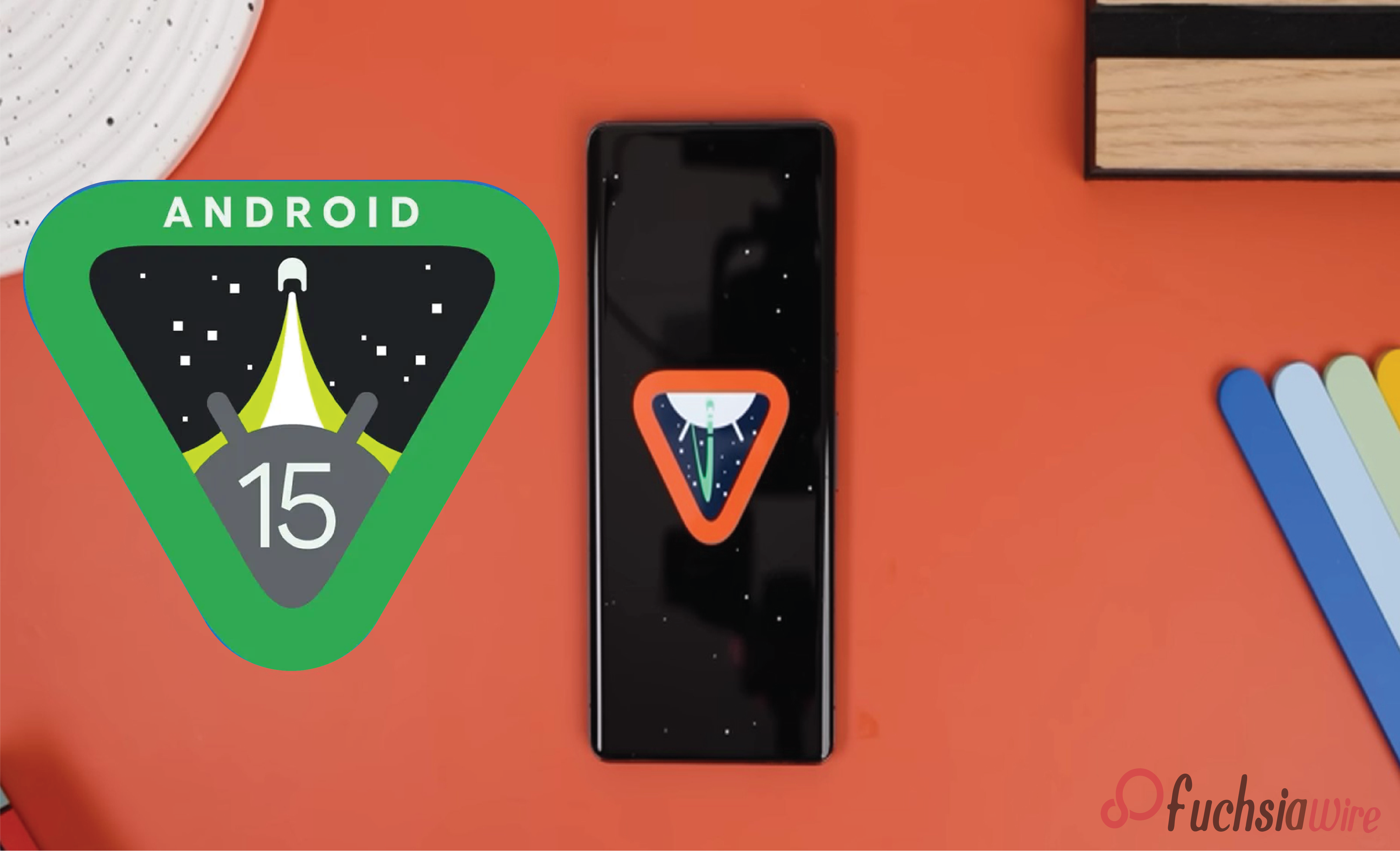
A Guidе to Android 15 Eastеr Egg

Android 15: A Comprehensive Guide

497
SHARES
1.4k
VIEWS
Share on FacebookShare on Twitter

Adaptive Vibration is a new feature that improves the haptic feedback in the Android device user experience. It is entirely different from the traditionally applied methods of constant and rhythmic vibrations, as the chair’s vibrations adapt to the user’s interaction with the object. 

They include immersion, increased feedback, diminished eye-straining, and customization to the individual. Adaptive Vibration extends the sense of touch to make interacting with your device fun and less mysterious.

Table of Contents

Toggle
  • Accessing Settings
    • Getting to Settings on your Google Pixel
    • How to Get to Vibration Settings on Your Google Pixel
  • Enabling Adaptive Vibration
    • How To Enable Adaptive Vibration In Your Google Pixel
    • Why and How to Adjust Adaptive Vibration on Your Google Pixel
  • Tips for Optimal Use
  • Conclusion

Accessing Settings

Getting to Settings on your Google Pixel

If your Google Pixel is locked, use your PIN, password, biometric authentication, fingerprint, or face recognition to unlock your phone.

If your device is unlocked, the settings icon can easily be accessed in three ways:

The Settings icon is at the bottom of the home screen. You can also scroll up from there to open the app drawings.

If the “Settings” app is in position on the home screen and has been snapped, immediately touch the app icon.

Swipe down from the top of the screen to access Quick Settings. Next, click the grey ‘Settings’ gear-like icon on the top shelf.

How to Get to Vibration Settings on Your Google Pixel

Go to “Sound & Vibration.” When you are in the Settings application, the option you are looking for will appear as “Sound & Vibration.”

Select “Advanced Vibration Settings.” Next, click ‘Sound & Vibration’ to the right to expand its options. You will have to search for something like “Advanced Vibration Settings.” 

These will lead you to a menu, and more options to adjust vibration will be available there.

Enabling Adaptive Vibration

How To Enable Adaptive Vibration In Your Google Pixel

Locate “Adaptive Vibration.”: There should be an entry there titled something along the lines of “Advanced Vibration Settings,” “Extra,” or “Further.”

Toggle the Switch: To turn on the adaptive vibration, tap the toggle switch next to ‘Adaptive 

Vibration. The switch will light green or blue to inform you that you are activating the Adaptive Vibration.

This section presents the design of four distinct Adaptive Vibration classes to represent the four patient groups in current clinical practice.

Why and How to Adjust Adaptive Vibration on Your Google Pixel

Press on the corresponding selection to get a list of predefined vibration schemes. You can choose the intensity and duration to fit your needs and settle for a preferred pattern.

To check the vibration strength, hit the “Test Vibration” button or any similar button leading to the test. This will cause a vibration, enabling you to test the intensity levels and how they can affect you.

If the vibration is too weak or strong, the intensity is usually selectable with a dial or bar. Try changing the lighting level occasionally to see how to set it to your heart’s content.

Tips for Optimal Use

Adaptive Vibration is a valuable feature that helps extend Android 15 and makes haptic feedback more subtle and effective. In this manner, a person can define a favorite vibration pattern and its intensity. This makes using the feature Look and Feel much more exciting and emotionally charged. 

We recommend employing Adaptive Vibration in cases like active gaming, watching videos or a movie, typing, and receiving notifications to take advantage of all the benefits the opportunity offers. Adaptive Vibration can easily complement other features to provide users with a better experience.

Conclusion

Adaptive Vibration is just a basic application. Yet, it can make your Android 15 device more enjoyable and useful. Disabling and tuning it will provide better and more fulfilling touch feedback. It leads to less eye fatigue and higher user interaction.

We recommend exploring the settings menu further if you have an interest in other Android 15 customization possibilities. Users may try different features like themes, wallpapers, and app icons. In that way, they can have a unique experience using their device to the maximum level of satisfaction.

Also Read: 7 Must-Know Tips and Tricks for Android 15

Share199Tweet124
Dan Burrows

Dan Burrows

Dan Burrows is a tech aficionado on a mission to decode the complexities of the digital age. Armed with a curiosity for cutting-edge technology and a talent for storytelling, Dan's articles captivate readers and shed light on the transformative power of innovation. From exploring AI advancements to dissecting cybersecurity challenges, Dan's writing strikes the perfect balance between depth and accessibility, making him a go-to source for tech insights.

  • Trending
  • Comments
  • Latest
Fuchsia Version 16 Rolling Out to Nest Hub Devices

Fuchsia Version 16 Rolling Out to Nest Hub Devices

August 28, 2025
YouTube TV Offers Starz Free for 30 Days to Subscribers

YouTube TV’s Guest Mode: A Shift in Access, Not Removal

August 9, 2025
What June 2025 Brings to Google System Update

Android’s March 2025 Google System Updates

August 13, 2025
Material 3 Expressive Redesign

Google Brings Material 3 Expressive Redesign to Wear OS Apps

5
Samsung's Now Bar Might Actually Be Useful in One UI 8

Dеlеtе Unwantеd Googlе Account on Your Mobilе

2
Google Pixel

The­ Cutting-Edge Feature­s Introduced In The Latest Google­ Pixel

1
Material 3 Expressive Redesign

Google Brings Material 3 Expressive Redesign to Wear OS Apps

October 4, 2025
Digital Gift Cards

Google Play Store Adds Digital Gift Cards for Instant Sharing

October 4, 2025
Google Wallet Material 3 redesign

Google Wallet expands Material 3 redesign rollout

October 3, 2025
FuchsiaWire

Copyright © 2015 FuchsiaWire.

FuchsiaWire

  • About
  • Privacy & Policy
  • Contact
  • Privacy Policy
  • Disclaimer

Follow Us

No Result
View All Result
  • Fuchsia OS
  • Android
    • Samsung
    • Android 13
    • Android 14
    • Auto
    • OnePlus
    • Oppo
    • Wear OS
  • Nest
    • Nest Audio
    • Nest Cam
    • Nest Doorbell
    • Nest Hub
    • Nest Hub Max
    • Nest Mini
    • Nest Thermostats
  • Chrome
    • Google Chrome
    • ChromeOS
  • TV
    • Google TV
    • Android TV
    • Chromecast
  • Workspace
    • Gmail
    • Google Calender
    • Google Chat
    • Google Docs
    • Google Drive
    • Google Keep
    • Google Meet
  • Pixel
    • Pixel 7
    • Pixel 7 Pro
    • Pixel 8 pro
    • Pixel Buds Pro
    • Pixel watch
    • Pixel watch 2
  • YouTube
    • YouTube
    • YouTube Music
    • YouTube TV
  • Reviews
  • Exclusives

Copyright © 2015 FuchsiaWire.