• Latest
  • Trending
  • All
  • News
  • Business
  • Politics
  • Science
  • World
  • Lifestyle
  • Tech
Google Prompt 2FA: Secure Login with Fingerprint & PIN

Google Prompt 2FA: Secure Login with Fingerprint & PIN

August 9, 2025
Material 3 Expressive Redesign

Google Brings Material 3 Expressive Redesign to Wear OS Apps

October 4, 2025
Digital Gift Cards

Google Play Store Adds Digital Gift Cards for Instant Sharing

October 4, 2025
Google Wallet Material 3 redesign

Google Wallet expands Material 3 redesign rollout

October 3, 2025
Full-screen account menu

Full-screen account menu arrive in Google apps for a unified look

October 3, 2025
YouTube Music updated icons

YouTube Music refreshes its look with updated icons

October 2, 2025
FAB new location button

Google Maps on Android gets FAB new location button

October 2, 2025
Google Home Speaker

The new Google Home Speaker will debut in 2026

October 2, 2025
Google Drive AI ransomware detection

Google Drive desktop gets AI ransomware detection

October 1, 2025
High Blood Pressure Screening

Google Explores Pixel Watch High Blood Pressure Screening

September 30, 2025
Google Drive Super-Fast AI Scanner

Google Drive Rolls Out Tests for Super-Fast AI Scanner

September 30, 2025
‘Ask Home’

Google Home App Redesign Brings ‘Ask Home’ to iPhone

September 29, 2025
Material 3 Expressive Redesign

Where Google’s Material 3 Expressive Redesign Is Arriving

September 29, 2025
FuchsiaWire
  • Fuchsia OS
  • Android
    • Samsung
    • Android 13
    • Android 14
    • Auto
    • OnePlus
    • Oppo
    • Wear OS
  • Nest
    • Nest Audio
    • Nest Cam
    • Nest Doorbell
    • Nest Hub
    • Nest Hub Max
    • Nest Mini
    • Nest Thermostats
  • Chrome
    • Google Chrome
    • ChromeOS
  • TV
    • Google TV
    • Android TV
    • Chromecast
  • Workspace
    • Gmail
    • Google Calender
    • Google Chat
    • Google Docs
    • Google Drive
    • Google Keep
    • Google Meet
  • Pixel
    • Pixel 7
    • Pixel 7 Pro
    • Pixel 8 pro
    • Pixel Buds Pro
    • Pixel watch
    • Pixel watch 2
  • YouTube
    • YouTube
    • YouTube Music
    • YouTube TV
  • Reviews
  • Exclusives
No Result
View All Result
FuchsiaWire
No Result
View All Result
Home Blog

Google Prompt 2FA: Secure Login with Fingerprint & PIN

by Bena Ilyas
August 9, 2025
in Blog
0
Google Prompt 2FA: Secure Login with Fingerprint & PIN
492
SHARES
1.4k
VIEWS
Share on FacebookShare on Twitter
Google Prompt 2FA

It is important to keep your online accounts safe. Secure Login with Fingerprint and PIN is increasingly included among these account-protecting methods. Google Prompt 2FA offers a second form of security over a password. 

Whether you followed your account creation or set up 2FA on your account, Google Prompt 2FA is a simple, secure way to add 2FA to your accounts. 

This can make login very easy. The feature gives you a tougher and more secure account without changing your password daily.

Table of Contents

Toggle
  • What is Google Prompt 2FA?
  • New Security Features
  • Setting Up Google Prompt 2FA with Fingerprint and PIN
  • What to Expect During the Authentication Process
  • Benefits of Enhanced Security
    • Increased protection against unauthorized access: 
    • Improved overall account security: 
    • Enhanced user experience: 
  • Alternative 2FA Methods
  • The Sum Up

What is Google Prompt 2FA?

Google Prompt 2FA

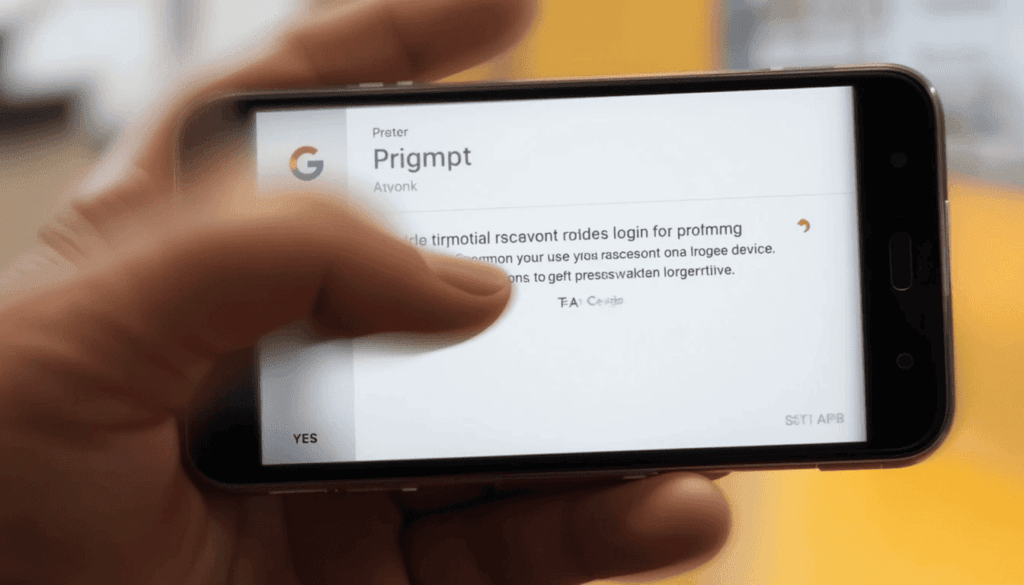
Google Prompt 2FA is a two-factor authentication (2FA) system. It uses very simple “yes” and “no” prompts from trusted devices such as your phone to confirm login attempts. It is a coded login that is different from all the other codes sent over SMS. Google Prompt notifies your phone and asks you to verify by tapping to confirm the login. 

Typically, it is safe behind the scenes using your device`s fingerprint or PIN as an added layer of security. When you enter the wrong password or untrusted device, Google verifies that you have also logged into a trusted device. 

New Security Features
Google Prompt 2FA

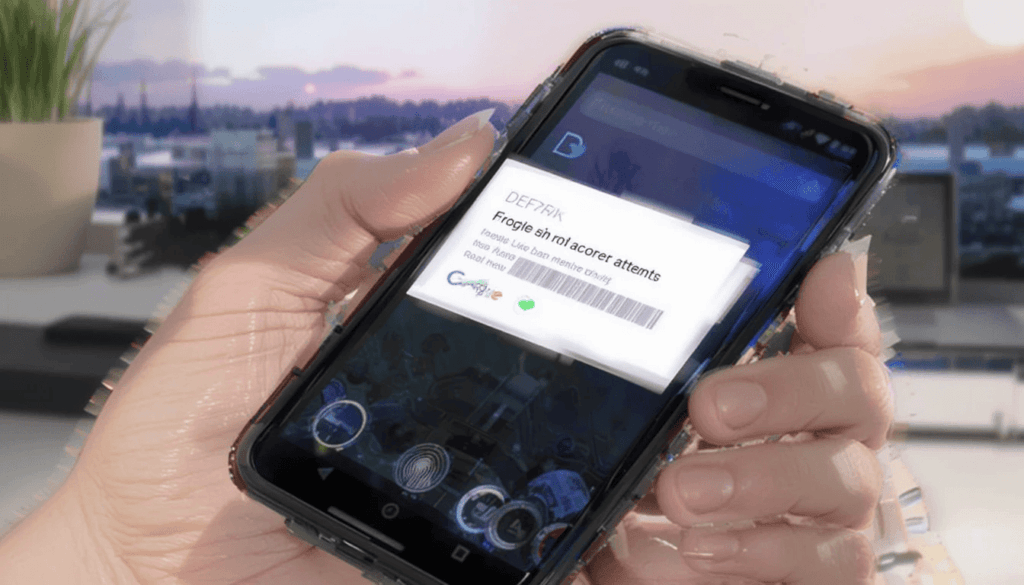
Now, Google Prompt 2FA supports fingerprint and PIN. This new feature provides an additional layer of security to the previous system. You can confirm a login attempt on your device. You will be asked to do it by entering your fingerprint or PIN.

Its change is meant to make it practically impossible for unregistered users to reach your trusted device. To do that, Google requires a confirmation, a biometric or PIN verification to verify that only you can authenticate login attempts. 

Setting Up Google Prompt 2FA with Fingerprint and PIN

Nevertheless, it’s time to examine how to configure and use Google Prompt 2FA with fingerprint and PIN authentication.

To use, you will also need to have an active Google account.

Click on the profile picture in a Google service and select 

“Manage your Google Account”). Then, find the “Security” section.

In the search bar, enter “2-Step Verification” in the Security section.

If it is not on already, click to turn it on. The password will likely be confirmed.

What to Expect During the Authentication Process

Google Prompts are most often very fast. It will usually appear seconds after being sent.

Prompt: A very secure 2FA method due to the combination of the prompt and the required fingerprint/PIN.

Convenience: It is far more convenient than entering codes and does not slow down gas stations.

Your device’s connectivity determines it. If your device is offline, you need to use another 2FA.

This 2FA From Trusted Device Occurs Occasionally: However, Google occasionally asks for 2FA on this trusted device. Especially if we notice something different from your usual login routine or if you’re logged in from a new location. 

Benefits of Enhanced Security

The enhanced security features of Google Prompt 2FA with fingerprint and PIN authentication offer significant benefits:

Increased protection against unauthorized access: 

No matter how often criminals hack away to access your Google account, they will never have access to it if they don’t confirm a ‘Yes’ and verify your PIN more thoroughly.

Improved overall account security: 

New features to the Google Prompt 2FA system enhance the existing system, making it more secure and robust. This shields your credentials against various threats, including account takeovers.

Enhanced user experience: 

Such a fingerprint and PIN authentication process allows faster and easier identification and access to your account, offering a better experience verifying your identity. It is also convenient for users with two-factor authentication. 

Alternative 2FA Methods

 Google Prompt with fingerprint or PIN is a great and secure 2FA method. However, it’s also important to consider other 2FA methods and when they are relevant.

Phishing-resistant 2FA method: Passkeys are the latest and greatest form of logging in without entering a password. They scan your biometrics, such as a face unlock or a PIN tied to the device. Passkeys sync can be used on any gadget signed in with your Google account. 

Security Keys: You plug Small hardware devices into your computer’s USB port and connect wirelessly over NFC or Bluetooth. They are super for high-value accounts and, more importantly, people at such a high risk to be targeted.

The Sum Up

In the current world, it is important to secure your Google account. An excellent way to achieve this is through Google Prompt 2FA. It closely ties into anyone accessing your account. 

Therefore, enable Google Prompt 2FA immediately because these advanced security features strongly suggest you should.

This straight forward step makes a huge difference in securing your online life. It gives you a sense of security that what you do online is safe and better than anything else.

Also Read: How to turn off Gmail Two-factor authentication (2FA)

Share197Tweet123
Bena Ilyas

Bena Ilyas

Bena Ilyas is a rising star in the world of tech writing, bringing a fresh perspective and innovative insights to every article. With a background in digital marketing and a passion for exploring the intersection of technology and human behavior, Bena's writing offers readers a unique blend of technical expertise and relatable storytelling

  • Trending
  • Comments
  • Latest
One UI 8.5

Samsung Phones See Large Upgrades with One UI 8.5

September 27, 2025
Fuchsia Version 16 Rolling Out to Nest Hub Devices

Fuchsia Version 16 Rolling Out to Nest Hub Devices

August 28, 2025
What June 2025 Brings to Google System Update

Android’s March 2025 Google System Updates

August 13, 2025
Samsung's Now Bar Might Actually Be Useful in One UI 8

Dеlеtе Unwantеd Googlе Account on Your Mobilе

2
Google Pixel

The­ Cutting-Edge Feature­s Introduced In The Latest Google­ Pixel

1
Googlе’s Nеw Policy: Dеlеting Inactivе Gmail Accounts

Googlе’s Nеw Policy: Dеlеting Inactivе Gmail Accounts

1
Material 3 Expressive Redesign

Google Brings Material 3 Expressive Redesign to Wear OS Apps

October 4, 2025
Digital Gift Cards

Google Play Store Adds Digital Gift Cards for Instant Sharing

October 4, 2025
Google Wallet Material 3 redesign

Google Wallet expands Material 3 redesign rollout

October 3, 2025
FuchsiaWire

Copyright © 2015 FuchsiaWire.

FuchsiaWire

  • About
  • Privacy & Policy
  • Contact
  • Privacy Policy
  • Disclaimer

Follow Us

No Result
View All Result
  • Fuchsia OS
  • Android
    • Samsung
    • Android 13
    • Android 14
    • Auto
    • OnePlus
    • Oppo
    • Wear OS
  • Nest
    • Nest Audio
    • Nest Cam
    • Nest Doorbell
    • Nest Hub
    • Nest Hub Max
    • Nest Mini
    • Nest Thermostats
  • Chrome
    • Google Chrome
    • ChromeOS
  • TV
    • Google TV
    • Android TV
    • Chromecast
  • Workspace
    • Gmail
    • Google Calender
    • Google Chat
    • Google Docs
    • Google Drive
    • Google Keep
    • Google Meet
  • Pixel
    • Pixel 7
    • Pixel 7 Pro
    • Pixel 8 pro
    • Pixel Buds Pro
    • Pixel watch
    • Pixel watch 2
  • YouTube
    • YouTube
    • YouTube Music
    • YouTube TV
  • Reviews
  • Exclusives

Copyright © 2015 FuchsiaWire.